Zeno 64
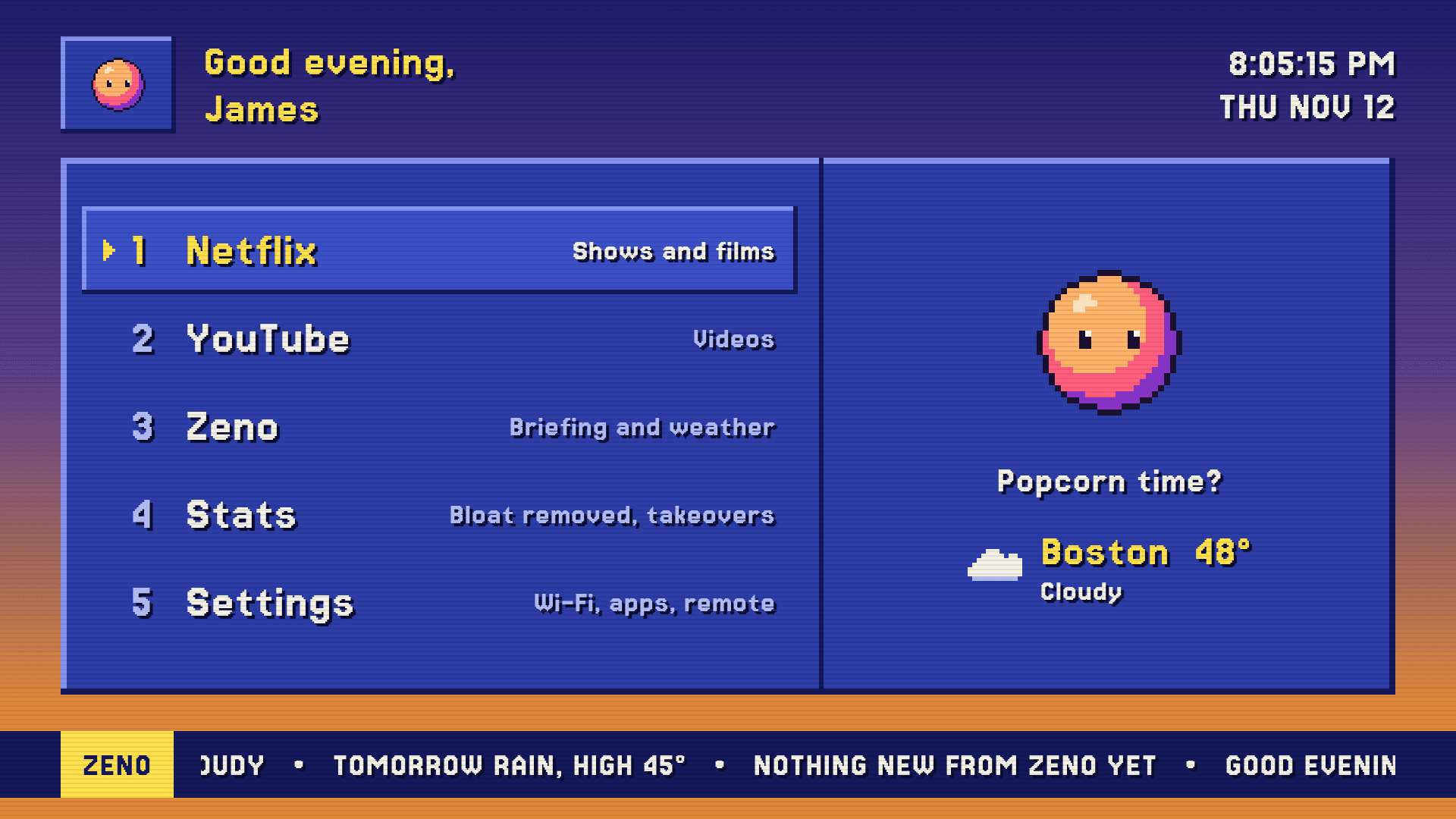
My TV answers to my AI now. I took Amazon's ad-filled home screen off my Fire TV and gave the TV to Zeno. It starts on a home screen I designed, styled like a 90s weather channel, with him as the mascot.
Part of Zeno, my AI agent. Running on my TV since 12 Nov 2026.
It started on TikTok.
My feed kept showing people hacking their TVs: plugging in a laptop and switching off the ads and apps they never asked for. I wanted to go one step further. Not a cleaner Amazon TV, but a TV that belongs to my own AI.
The look came from X, where I saw The Weather Channel's retro mode: the old local forecast screens, with a sunset behind blue panels, yellow headings and a crawl along the bottom. I borrowed the era, not their branding.

Zeno, in 32 by 32 pixels
For the TV he's a sprite in five colours, placed pixel by pixel from a small script, so every pixel is a choice. He blinks, glances around, bobs one pixel at a time and looks at whatever the remote lands on.
What's on the TV
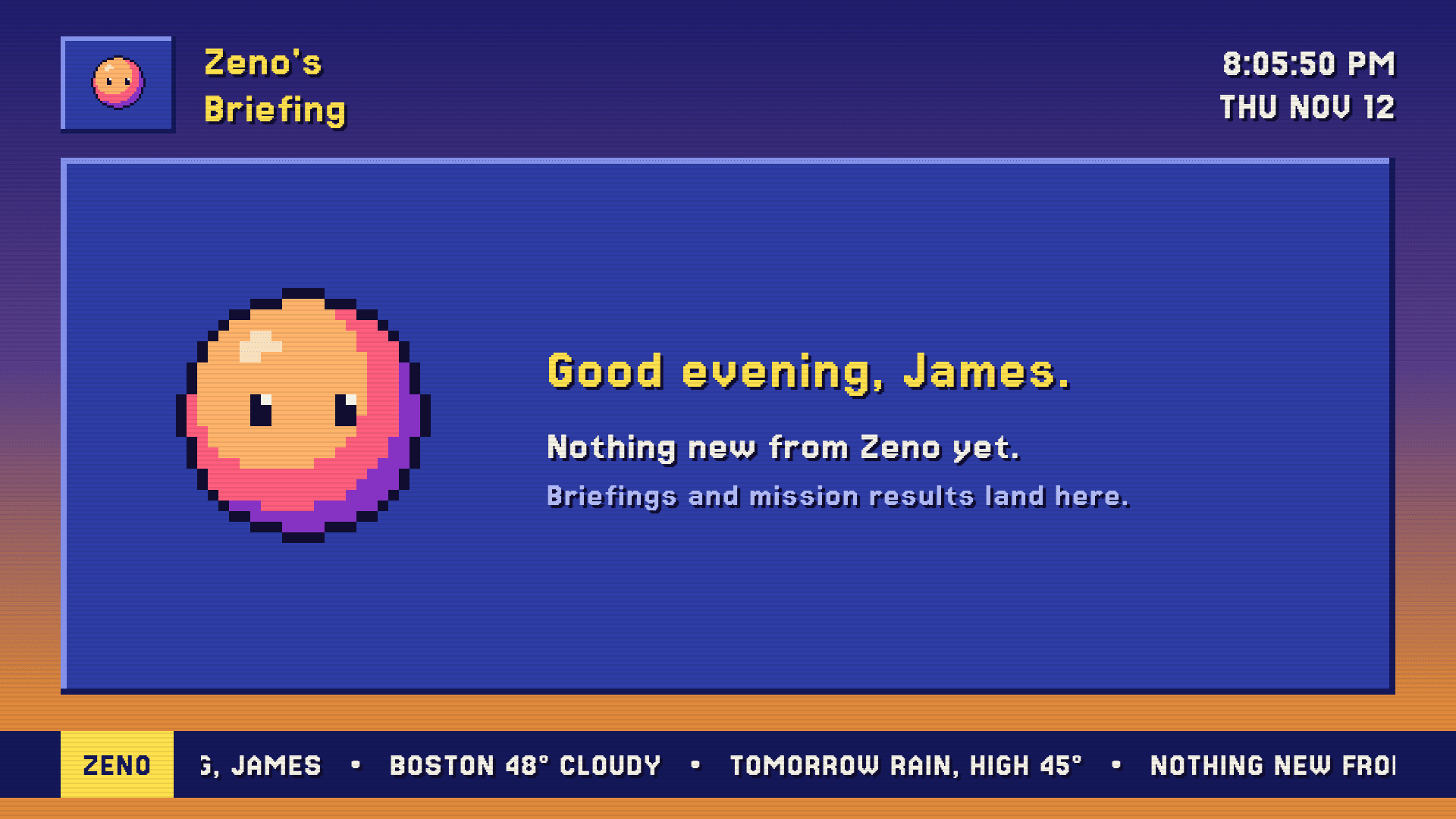
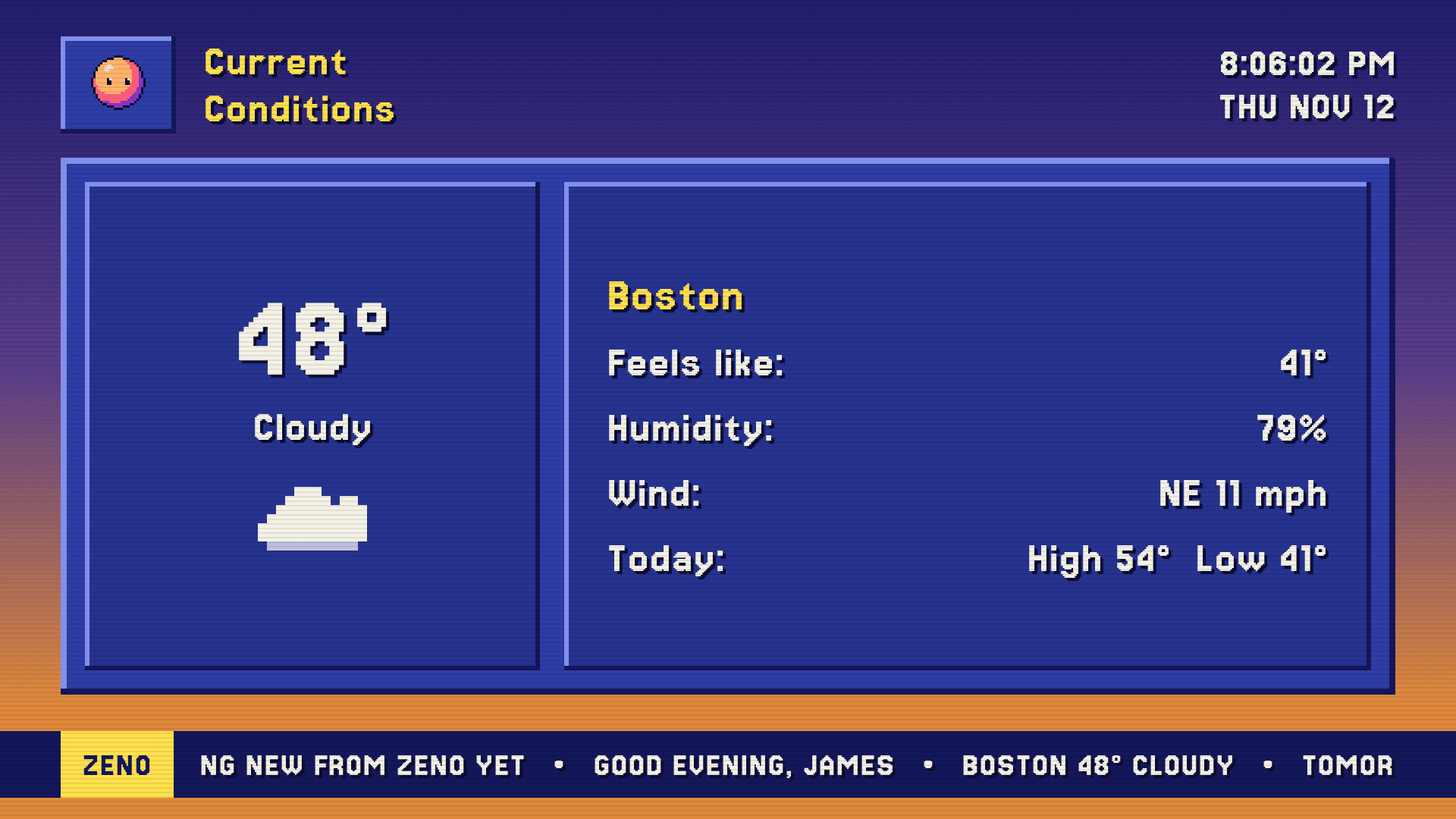
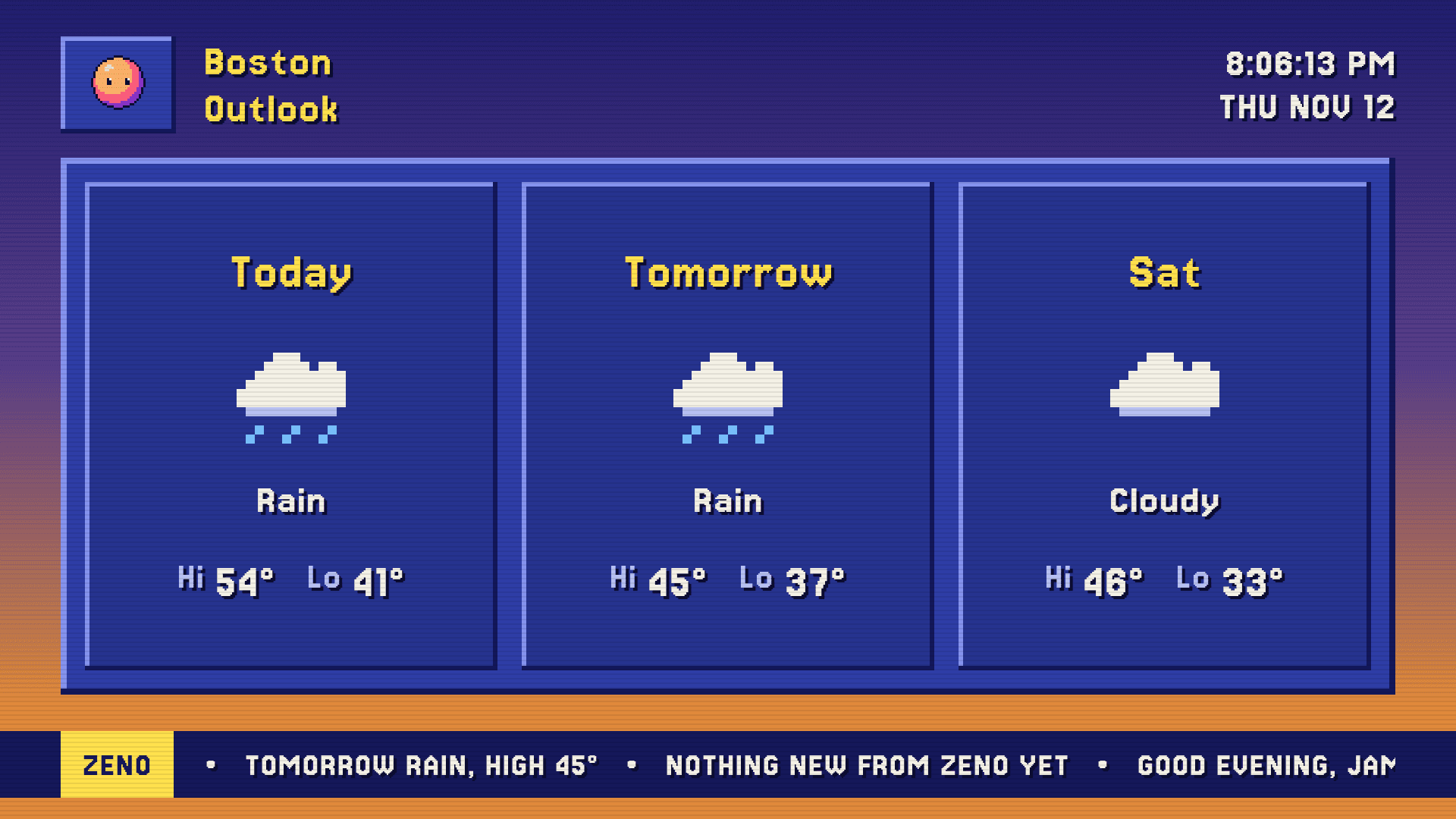
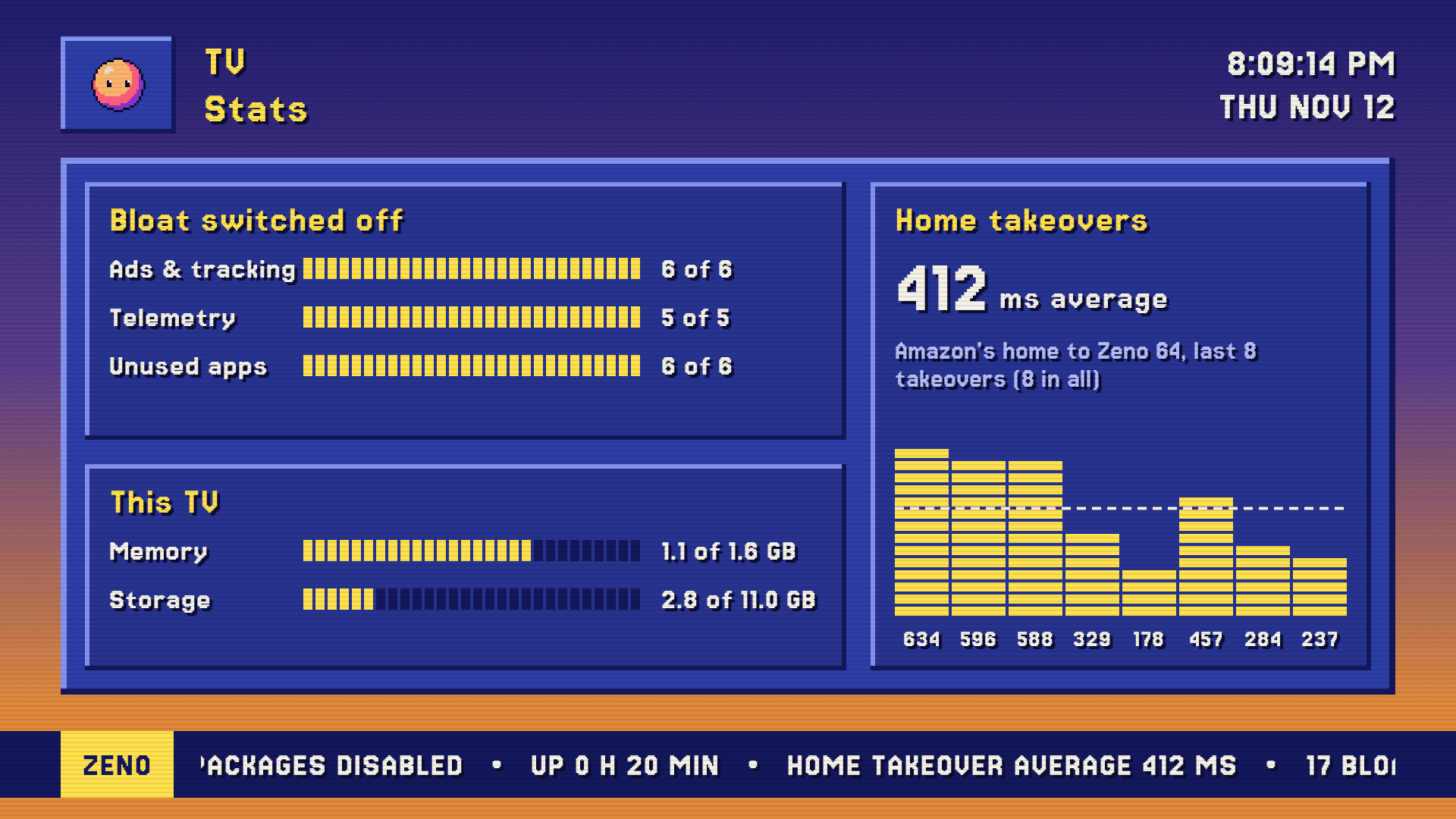
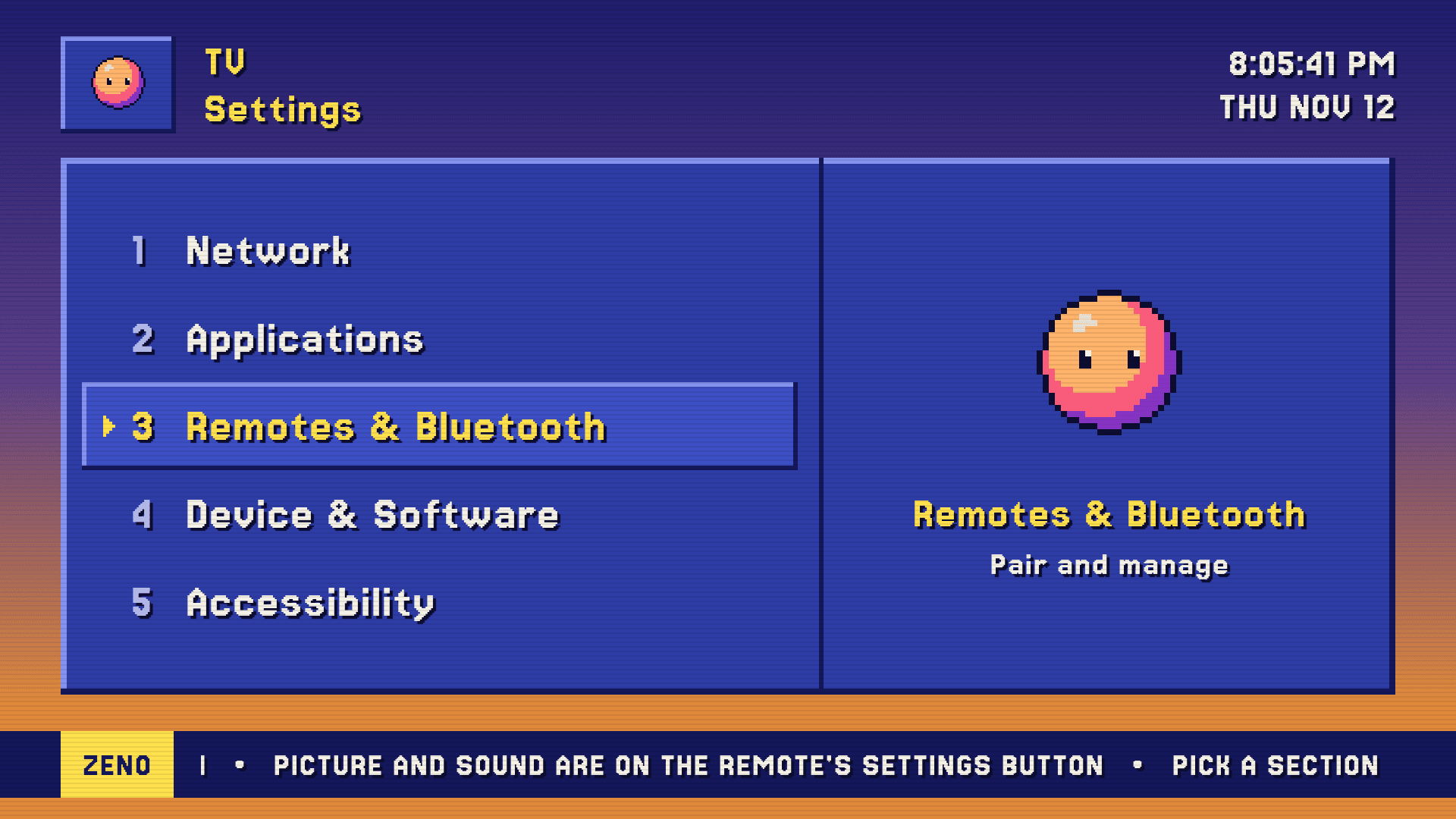
Every screen is a capture from the TV itself, built for a remote and a sofa three metres away: big type, one panel per page, nothing to read twice. Change the channel.
I text Zeno. The TV does it.
Zeno, the agent I text from my phone, now drives the TV over my home Wi-Fi. “Put on Netflix”, “volume down 3”, “TV off”, “is the TV on?” go straight to the TV, and his reply tells me what he did. He can only do what's on a short, fixed list: open my apps, press the remote's keys and check what's on. No typing, and no raw commands.
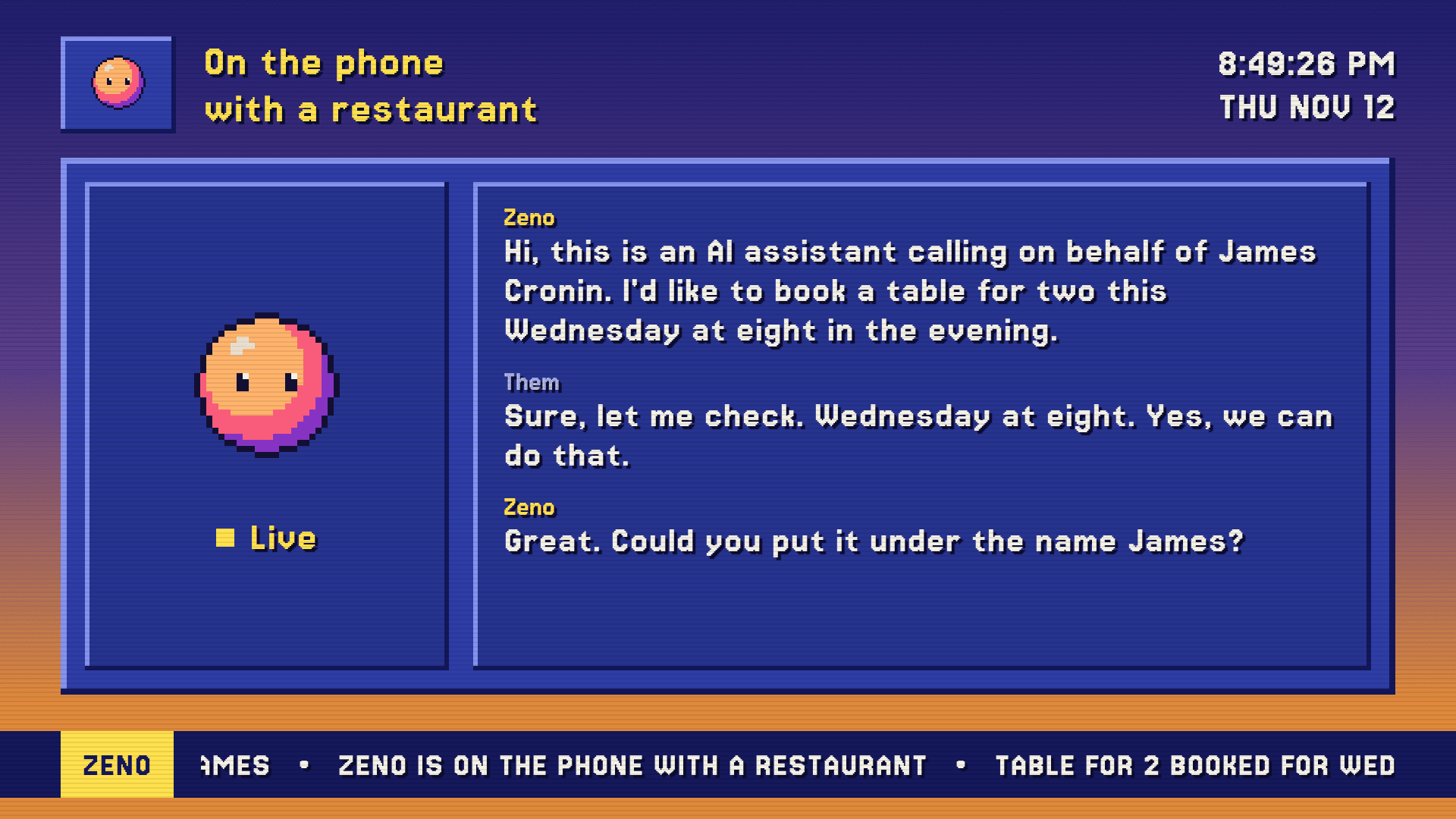
The TV hears back, too. Zeno sends his news to his channel: what he's done, what's coming up, and a live transcript while he's on the phone for me. Emails only ever show as a count, because anyone in the room can see the TV. The screen here is a made-up sample; the real one has my plans on it.
Working towards
- Zeno looks at what's on screen, so he can find a show for me: “put on the match”
- Switching HDMI inputs from the home screen
Amazon doesn't let you change the home screen. So I didn't ask.
On this TV the Home button is wired straight to Amazon's launcher, and Amazon marks the launcher as protected, so it can't be switched off without rooting the TV. I wasn't going to risk the only TV in the house on that.
Instead, Zeno 64 watches for Amazon's home to appear. The moment it does, Zeno 64 covers the screen and opens itself, about 0.4 seconds after the press. Android normally holds an app back for five seconds after Home, so Zeno 64 opens through a system alarm, which doesn't wait. The sound is muted for that half second too, in case Amazon tries to play a trailer.
Then I screen-recorded a Home press and went through it frame by frame: Netflix, Zeno's cover, Zeno 64. Not one frame of Amazon's home. It still works after the TV restarts.
Switched off, not deleted
17 apps are off: 6 for ads and tracking, including the one that watches what's on screen, 5 for telemetry, and 6 preinstalled apps I don't use. Amazon refused four more, which it protects.
One script makes all the changes and another puts the TV back exactly as Amazon shipped it. I ran the restore, checked every setting against a snapshot from before I started, then switched it all back on.
Meet the AI behind it
Zeno is the agent I text from my phone. The TV is his newest screen.
Built with
 Kotlin
 Jetpack Compose
 Android
 Claude Code
Plus an accessibility service, an Android screensaver, adb and Open-Meteo for the weather. Product names and logos are trademarks of their owners.